插件中文资料库
中文说明、玩家点评、适用场景和替代推荐,方便快速判断是否适合你。
- 拍卖行、交易和金币管理
- 界面布局、头像框、姓名板和动作条优化
 Details! Mythic+ Scoreboard
 Copy Anything
 BagSync
Malyxi UI 插件下载与使用指南
本页整理了 Malyxi UI 的功能用途、适用人群、安装方法和常见问题,方便玩家快速判断是否需要安装。
适合谁用
Malyxi UI 是一款 动作条 / 界面美化 / 增益与减益 / 单位框架 / PVP 类插件,适合需要优化界面、提升操作效率或补充游戏信息提示的魔兽世界玩家。
基本信息
- 插件作者:malyxi
- 插件分类:动作条 / 界面美化 / 增益与减益 / 单位框架 / PVP
- 适配版本:12.0.0,12.0.1,12.0.5,12.0.7
- 累计下载:39
安装方法
- 点击上方下载按钮获取 Malyxi UI插件文件。
- 解压后将插件文件夹放入 World of Warcraft/_retail_/Interface/AddOns 目录。
- 重启游戏或在角色界面点击插件,确认 Malyxi UI 已启用。
- 如果插件不生效,请检查版本是否匹配,或关闭同类冲突插件后重试。
使用建议
Malyxi UI 安装后建议先在角色界面确认已启用,进入游戏后根据插件提供的命令、小地图按钮或设置面板进行调整。如遇到报错,可先单独启用该插件排查冲突。
Malyxi UI 常见问题
Malyxi UI 适合需要 动作条 / 界面美化 / 增益与减益 / 单位框架 / PVP 类功能的玩家,特别是希望提升游戏便利性、界面管理或战斗信息获取效率的用户。
下载后解压到 Interface/AddOns 目录,然后重启游戏并在角色界面启用插件。
常见原因是目录多套一层、游戏版本不匹配、依赖插件缺失或同类插件冲突。
可以查看本页的替代插件推荐和相关插件区域,按下载量和分类选择同类工具。
插件 AI 问答
可以问:这个插件正式服能用吗、和 DBM 冲突吗、怎么设置、有没有替代插件。
Malyxi UI 是一款魔兽世界插件,主要用于装备修理、金币或商人相关提醒、界面框架、头像、动作条或冷却显示优化、增益、减益、光环或职业状态监控。建议根据自己的版本和插件环境先测试兼容性。
插件用途
Malyxi UI 主要面向需要增益与减益功能的玩家,用来改善游戏体验、减少重复操作或补充默认界面没有直接提供的信息。
适用场景
- 装备修理、金币或商人相关提醒
- 界面框架、头像、动作条或冷却显示优化
- 增益、减益、光环或职业状态监控
使用建议
安装后建议先在角色选择界面或插件管理器中确认已启用,再进入游戏测试是否与现有整合包、WA 和其他插件冲突。如遇报错,可以先禁用同类插件排查。
Small and efficient addon which aims to add many quality of life features and visual improvements used by rank 1 streamers and other high-performing pve and pvp players to the default UI without the need for 20 different addons, and without the need for confusing amounts of configuration. All elements can be configured through standard Edit Mode in retail WoW, and features can be tailored to suit your needs through simple configuration. Although it is based on UI features used by high end players, it is intended for use by players of all skill levels.
Designed to be small and efficient but packed full of features, this addon will likely replace a lot of your other addons and do the same things with less code, giving you more CPU power for your game vs your addons. Feel free to try it out and see how many addons you can delete!
Notable Features:
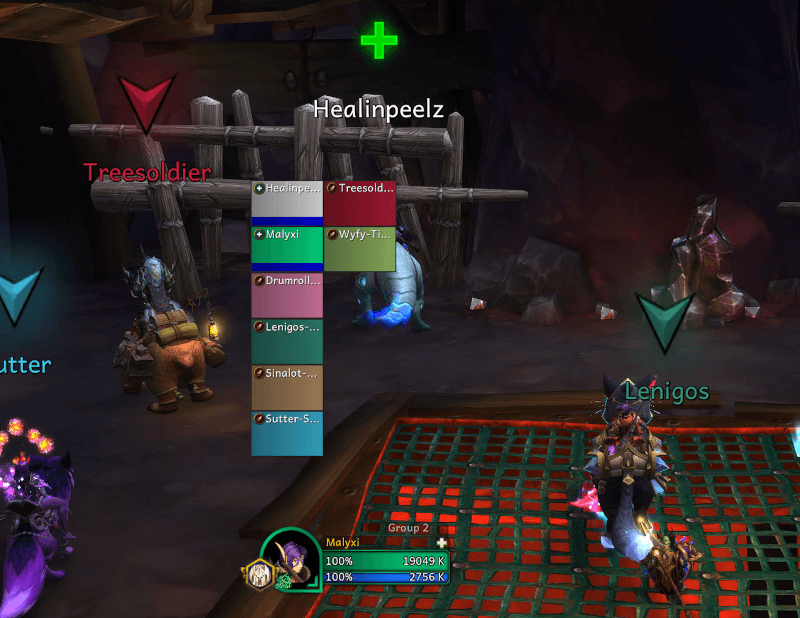
- Automatic party markers.
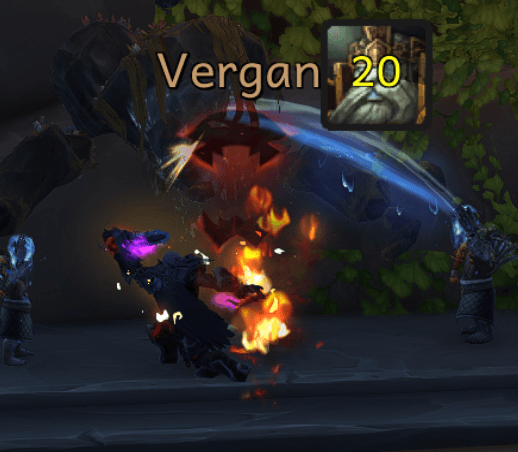
- Nameplates that are coded to work exactly like the BetterBlizzPlates profile I used to get my first 2400 in arena, except with ~900 lines of code vs the ~30K for BBP.
- Dampening display for arena.
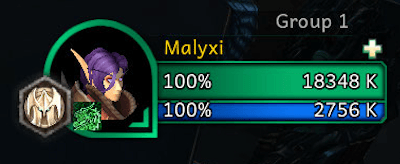
- Option for 3D animated portraits in the default unit frames.
- Tab Binder so only players are tab targeted in BGs or Arenas.
- SafeQueue and LFGTimer modules to show you how long is left to accept your arena, battleground, or dungeon queue.
- Automatic keystone placement for Mythic+.
- Hide Blizzard arena frames in favour of sArena, Gladius, etc.
- EasyDelete module to automatically enter "DELETE" for you when deleting items.
- Dark Mode, Black Mode, Light Mode, and Blizzard Mode themes.
- Optional class coloring for unit frame borders and health bars.
- UI Theme integration for BigDebuffs, OmniBar, and sArena.
- Choose custom fonts for damage numbers and the entire UI.
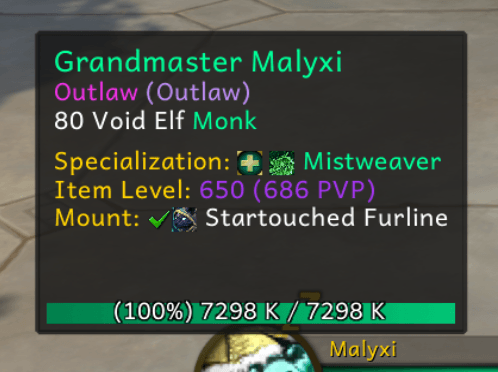
- Improves the look of tooltips and adds extra information such as mount and ilvl. They also anchor to the mouse when out of combat, which can be disabled if you don't like it for some reason.
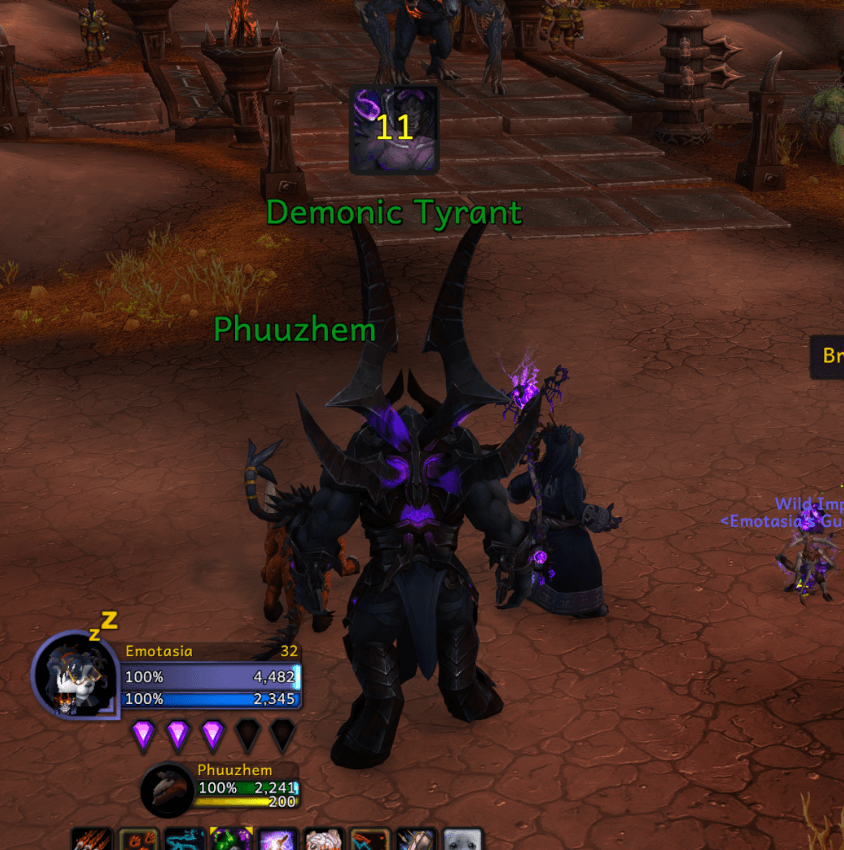
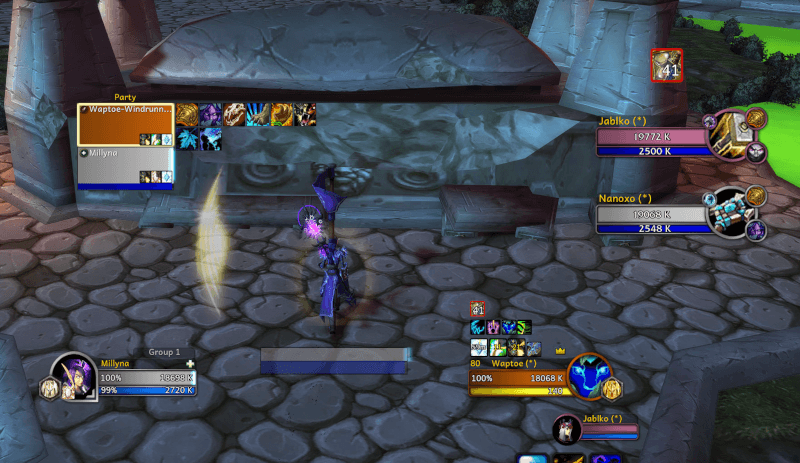
- Indicators for important pets (ex Demonic Tyrant) and totems/warbanner.
So, what else does it do?
It enhances the look and feel of the default Blizzard UI, attempting to make it nicer and more consistent with the newer style inroduced in Dragonflight. It essentially does all of the things that Blizzard should have done with the UI update, and then much more.
So, what are some of these improvements?
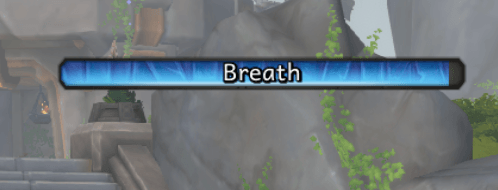
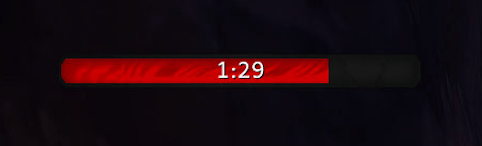
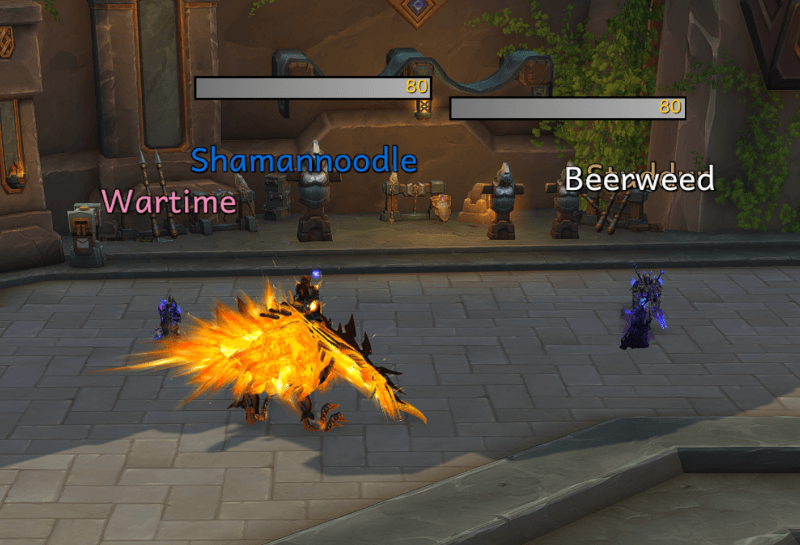
Join timer countdown progress bars with new style progress bars for dungeons and arenas.
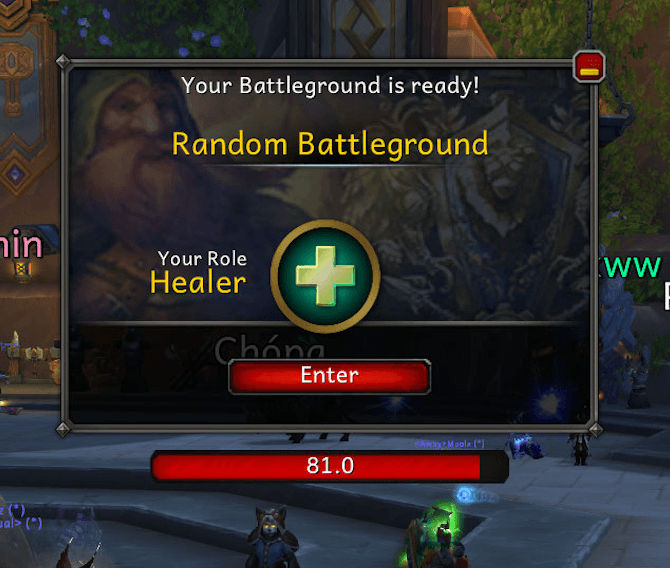
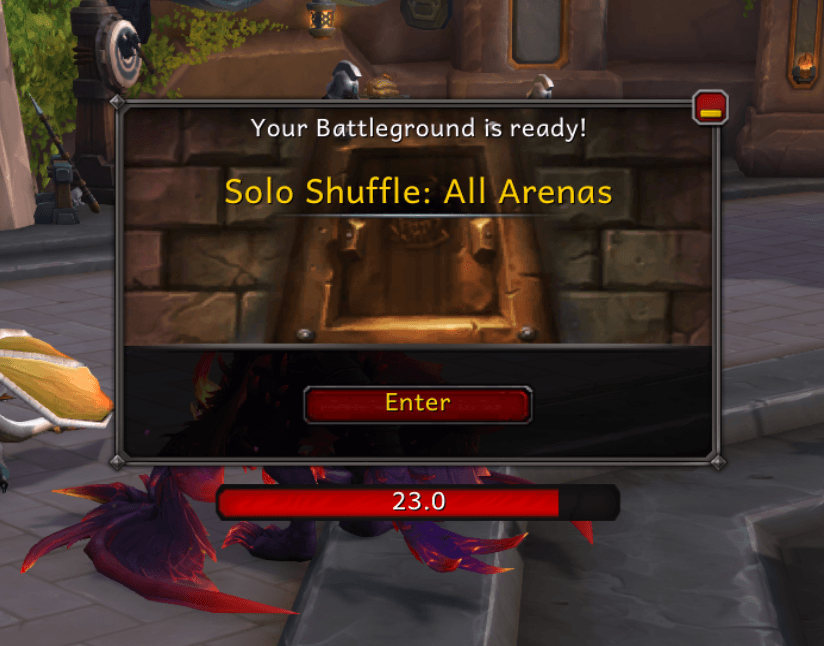
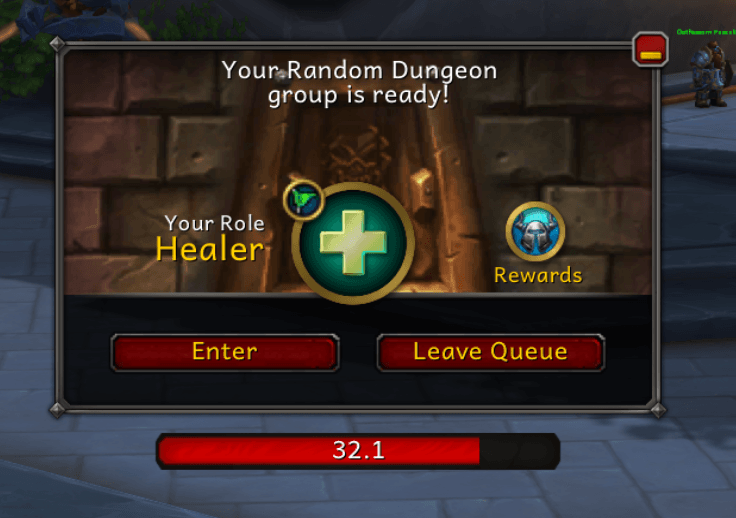
Prettier Castbars and timer bars.
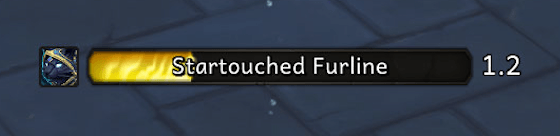
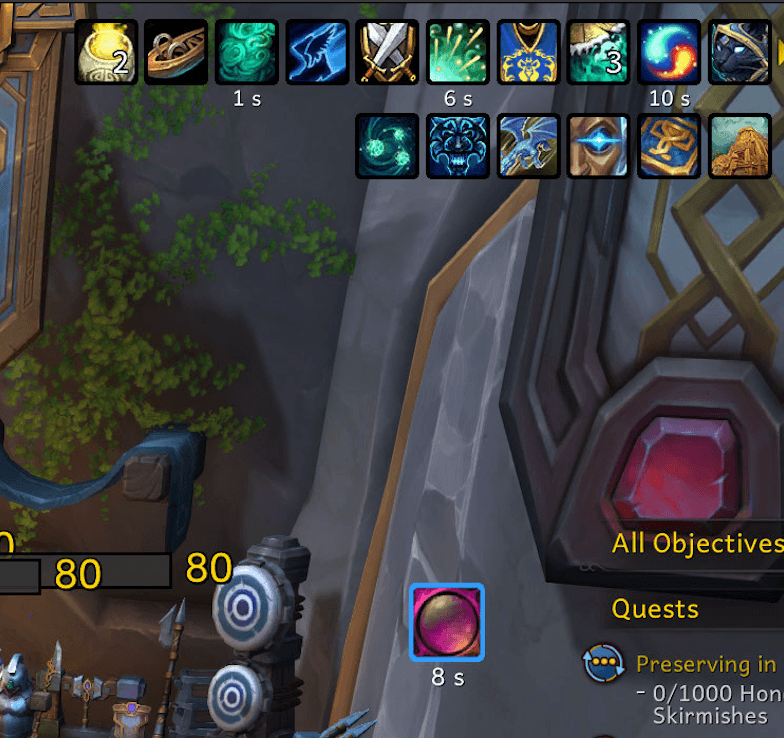
Nicer borders for buffs and debuffs.
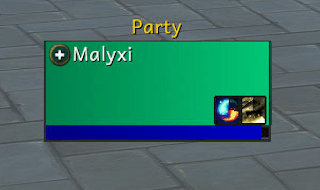
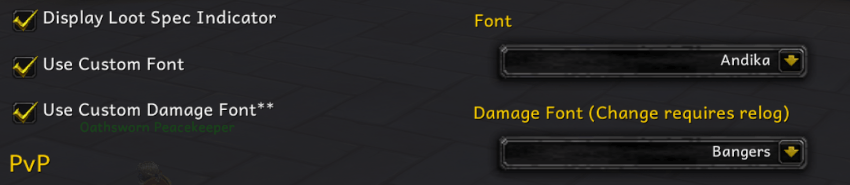
Custom fonts, including damage fonts. Changeable to any fonts loaded with LibSharedMedia.


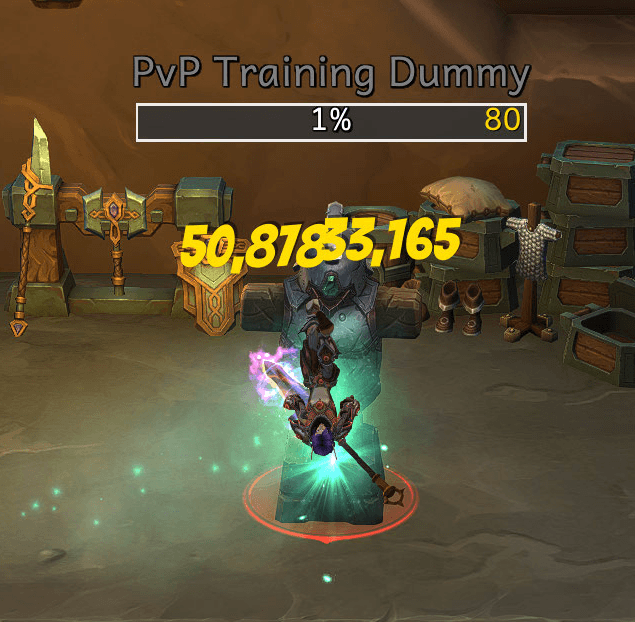
Enhanced Tooltips.
3D player Portraits for player/target/targetoftarget/etc frames, and optional loot spec icon for player frame.
New style bars for timers in arenas, BGs, and etc.
Improved Nameplate appearance with options such as hiding friendly health bars and cast bars, showing levels, setting status bar textures, and much more.
Party Markers (automatically marks your party/raid members):
Indicators for important pets and totems.
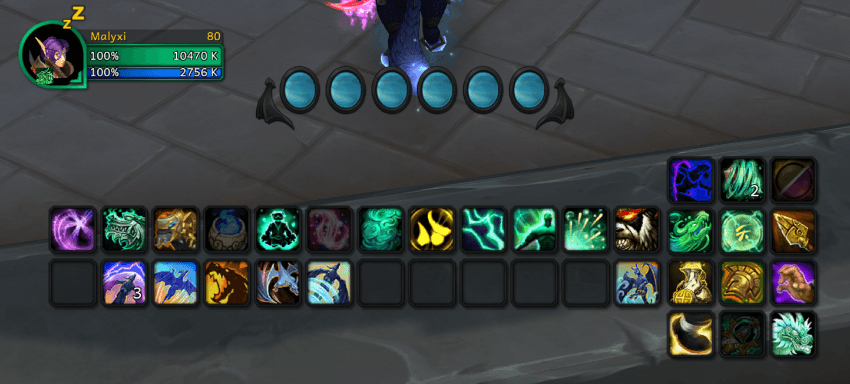
Dark Mode, Light Mode, and Blizzard Mode (for those who like it untouched) HUD complete with class colored frames. There also might be a... Black mode. :o Also, feel free to clean up your action bars by hiding hotkeys and/or macro text!
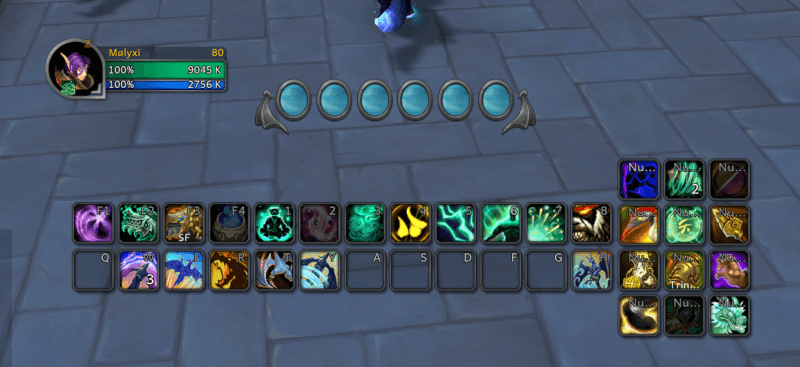
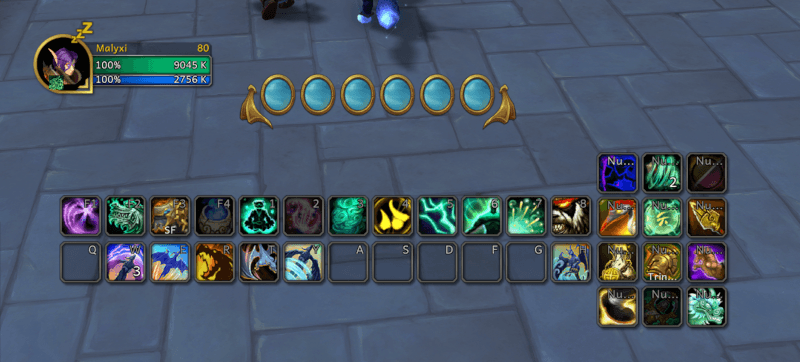
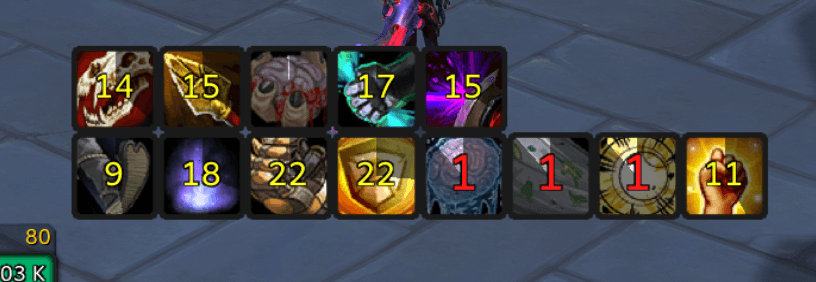
And to top things off, matching skins for popular pvp addons like OmniBar, BigDebuffs, and sArena are included! Just open sArena and select "Em's UI" for your layout. All UI Modes supported with the one theme! OmniBar and BigDebuffs will apply automatically.
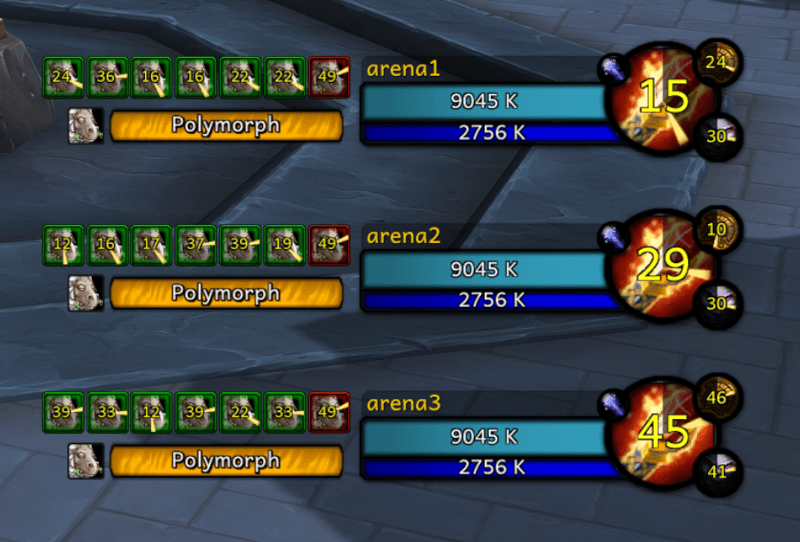
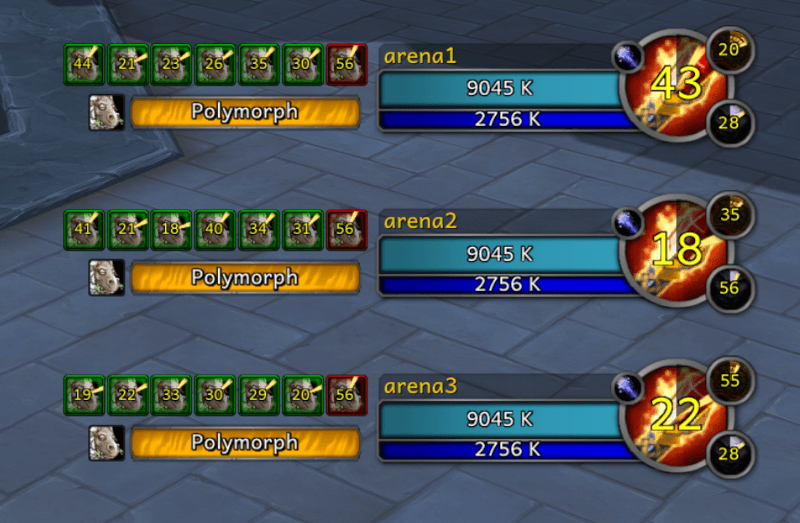
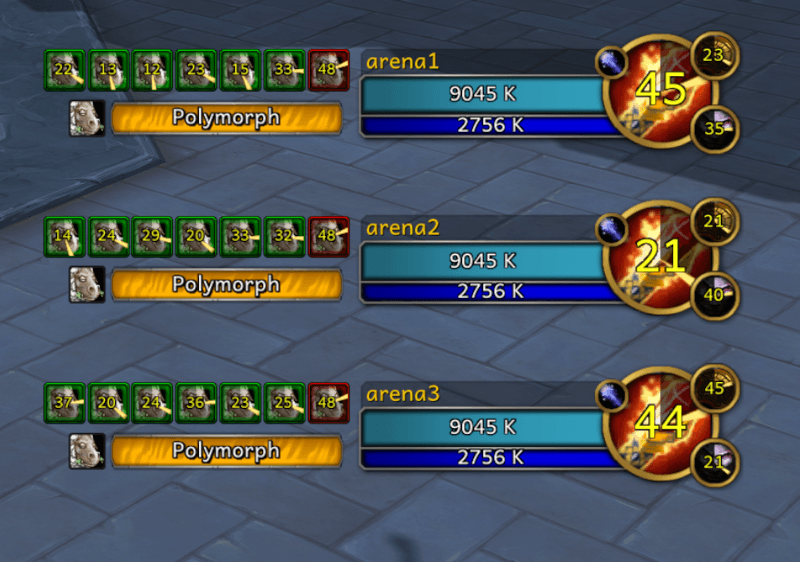
Or, if you use the option for class colored frames, the sArena theme will take on new life.
BigDebuffs:
OmniBar:
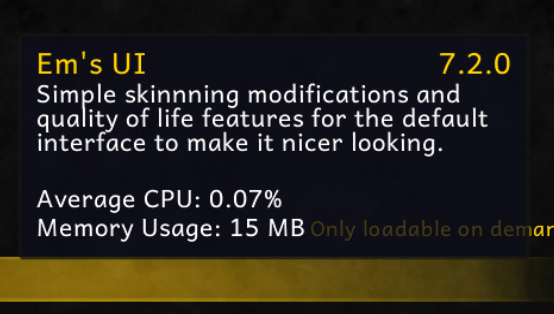
All this, and this is the impact on system performance according to the addon manager.
More Key features:
- Enhances the default nameplates with various quality of life options, such as class colours, abbreviated NPC names, and player names without server, hide friendly nameplate healthbars in all cases including pve instances (about the only thing we can do there for nameplates). Includes pet markers, combat markers, party markers, castbar interrupt cooldown tracking, and more!
- Adds its textures and fonts to the game through LibSharedMedia, allowing you to use them across other addons if you wish.
- Anchors tooltips to your cursor when out of combat, otherwise putting them in the usual bottom corner spot. This can be turned off if you don't like it.
- Optionally show a small icon for your loot spec in your player frame, so you don't accidentally loot the Great Vault, gladitor boxes, or your mog run boss in the wrong spec.
- Configure UI elements the way you're used to from using the default UI. All default UI options will work with no issues.
- All configuration is global, so no need to reconfigure for every single character you log into, or even other servers.
Recommended Addons to pair for a perfect pvp setup (feel free to use others):
Details! (Damage/healing/etc meter)
BigDebuffs
OmniBar
sArena
BetterCharacterPanel - View of ilvl, gems, enchants, etc on gear
Diminish - Add diminishing returns to standard arena frames, nameplates, and others
WeakAuras
用户评价
暂无 / 5,0 条评价相关推荐
继续看看这些内容
