插件中文资料库
中文说明、玩家点评、适用场景和替代推荐,方便快速判断是否适合你。
- 任务路线、地图标记和野外探索
 GroupFinder
 Sleek XP Bubbles
 FollowerLocationInfo
BDmap 插件下载与使用指南
本页整理了 BDmap 的功能用途、适用人群、安装方法和常见问题,方便玩家快速判断是否需要安装。
适合谁用
BDmap 是一款 地图与小地图 / 数据代理 / 其他插件 类插件,适合需要优化界面、提升操作效率或补充游戏信息提示的魔兽世界玩家。
基本信息
- 插件作者:lengku7
- 插件分类:地图与小地图 / 数据代理 / 其他插件
- 适配版本:12.0.0,12.0.1,12.0.5
- 累计下载:35
安装方法
- 点击上方下载按钮获取 BDmap插件文件。
- 解压后将插件文件夹放入 World of Warcraft/_retail_/Interface/AddOns 目录。
- 重启游戏或在角色界面点击插件,确认 BDmap 已启用。
- 如果插件不生效,请检查版本是否匹配,或关闭同类冲突插件后重试。
使用建议
BDmap 安装后建议先在角色界面确认已启用,进入游戏后根据插件提供的命令、小地图按钮或设置面板进行调整。如遇到报错,可先单独启用该插件排查冲突。
BDmap 常见问题
BDmap 适合需要 地图与小地图 / 数据代理 / 其他插件 类功能的玩家,特别是希望提升游戏便利性、界面管理或战斗信息获取效率的用户。
下载后解压到 Interface/AddOns 目录,然后重启游戏并在角色界面启用插件。
常见原因是目录多套一层、游戏版本不匹配、依赖插件缺失或同类插件冲突。
可以查看本页的替代插件推荐和相关插件区域,按下载量和分类选择同类工具。
插件 AI 问答
可以问:这个插件正式服能用吗、和 DBM 冲突吗、怎么设置、有没有替代插件。
BDmap 是一款魔兽世界插件,主要用于地图、区域、任务路线或交通提醒。建议根据自己的版本和插件环境先测试兼容性。
插件用途
BDmap 主要面向需要数据代理功能的玩家,用来改善游戏体验、减少重复操作或补充默认界面没有直接提供的信息。
适用场景
- 地图、区域、任务路线或交通提醒
使用建议
安装后建议先在角色选择界面或插件管理器中确认已启用,再进入游戏测试是否与现有整合包、WA 和其他插件冲突。如遇报错,可以先禁用同类插件排查。
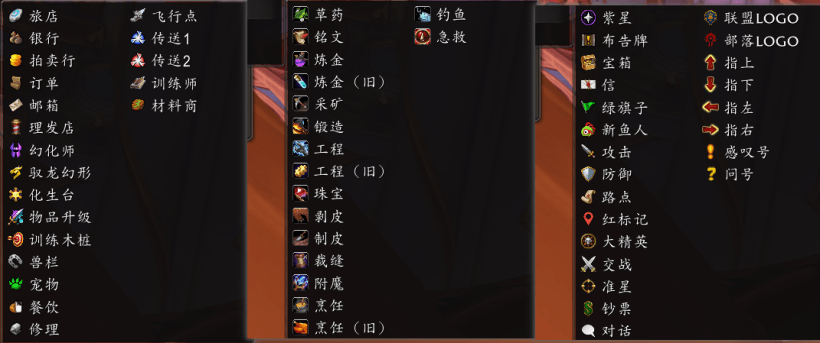
Key Features
-
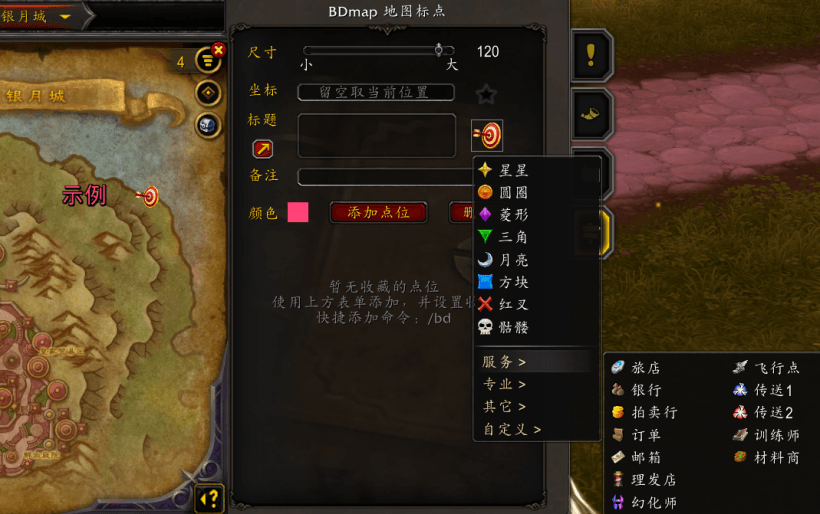
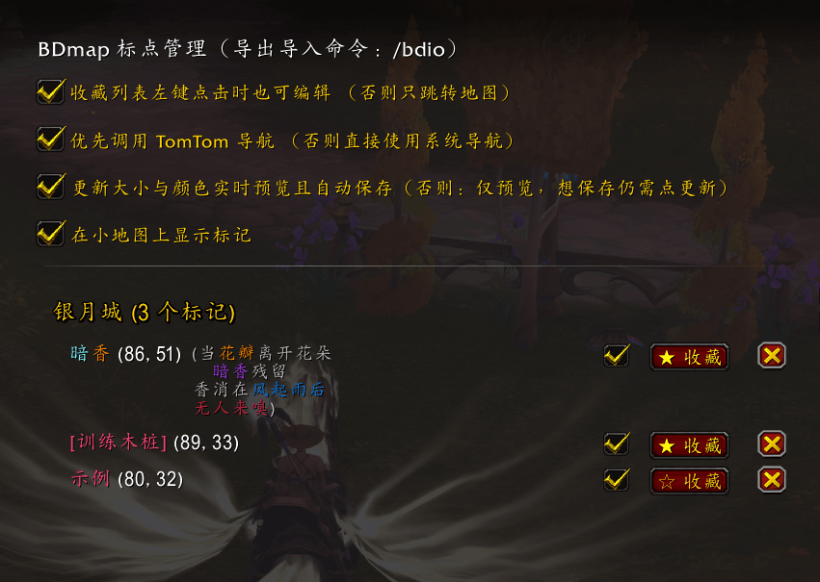
Dual-Layer Management: Uses a Map Tab for quick access to favorites and an ESC Global Panel for full database control.
-
Smart Input: Capture coordinates via Map Left-Click, manual entry, or your current character location.
-
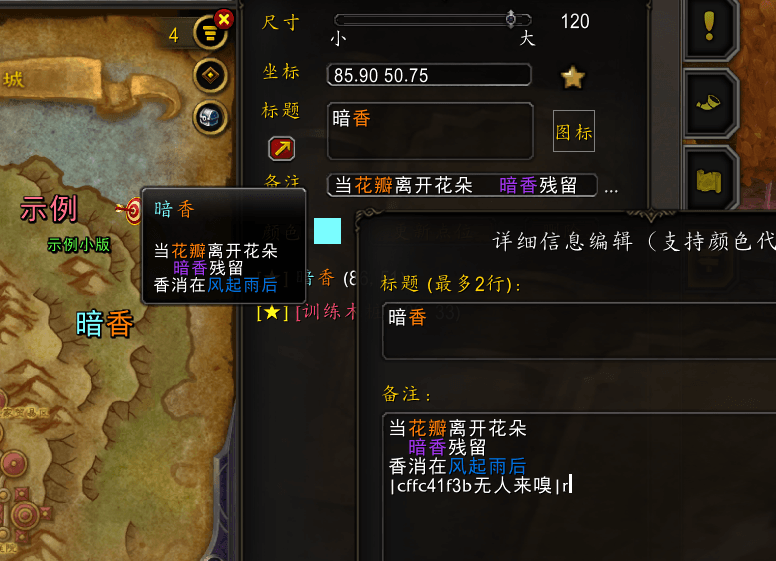
Highly Customizable: Supports custom titles (with line breaks), notes, and real-time adjustments for pin size and color.
-
Advanced Input Panel: Includes a large input window for easier editing. Supports custom color codes and multi-line notes for detailed entries.
-
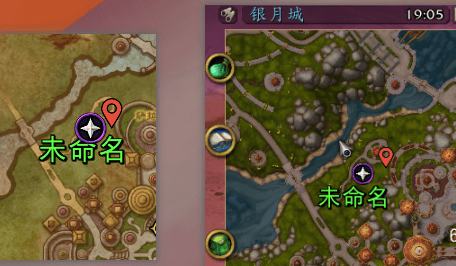
Seamless Navigation: Fully compatible with both TomTom and the native Blizzard waypoint system.
-
Extreme Performance: Ultra-lightweight design with a code footprint of under 50KB.
How to Use
Open the Interface:
Press ‘M’ to open the World Map and click the new Tab icon on the right edge.
Create a Pin:
Left-click anywhere on the map to auto-fill coordinates, leave them blank to use your current position, or enter them manually.
Set your title, notes (optional), size, and color, then click Add.
Pin Interaction:
On the Map: Left-click a pin to edit; Right-click to start navigation; Hover to view notes via tooltip.
In the Favorites List (Map Tab): Left-click to switch the map view to that location; Right-click to navigate. (Only pins starred in the Global Panel will appear here.)
Manage Data:
Go to ESC > Options > Addons to access the Global Manager. Here you can bulk delete, favorite, or toggle the visibility (Enable/Disable) of all saved pins.
Large Input Panel:
Click the magnifier icon above the “Notes” label to open the large input panel.
This resizable, semi-transparent panel supports drag-and-drop movement for convenient editing.
CurseForge: https://www.curseforge.com/wow/addons/bdmap用户评价
暂无 / 5,0 条评价相关推荐
继续看看这些内容
